
Stake App and mobile play: the mobile site, home-screen install and app facts
Most Canadian players use Stake through the mobile browser, and that is by design: the site is built as a responsive web app with the full casino, sportsbook and wallet. Here is how to set it up so it behaves like a native app, and what is verifiable about official app downloads.
Three ways onto Stake from a phone
Only the first two are universally available. The third depends on your device, region and what Stake has published at the time you check.
Mobile browser
Open stake.com in Safari, Chrome, Samsung Internet or Firefox. Everything works: deposits, live betting, Originals, live dealer streams and chat. No download, nothing to update.
Official · all devicesHome-screen web app
Add the site to your home screen and it opens full-screen with its own icon, without browser bars. This is the closest thing to an app that works identically on Android and iPhone.
Official · recommendedApp Store listing (iOS)
An iOS app published by Medium Rare N.V. has been listed in Apple's App Store in some countries. Availability changes by region, and we cannot confirm it for Canada at any given moment. There is no official Android app on Google Play; treat any Play Store "Stake" app or sideloaded APK as unofficial.
Verify on stake.comMake it feel like an app in under a minute
Open stake.com in Safari
Use Safari specifically; other iOS browsers do not offer the full-screen home-screen option.
Tap the Share icon
The square with an upward arrow at the bottom of the screen.
Choose "Add to Home Screen"
Scroll the share sheet if you do not see it, then confirm the name and tap Add.
Launch from the icon
Stake now opens full-screen. Log in once; the session persists like any other site.
Open stake.com in Chrome
Samsung Internet and Edge offer the same option under slightly different names.
Tap the three-dot menu
Top-right corner of the browser.
Tap "Add to Home screen" or "Install app"
Chrome may show an install banner automatically; either route produces the same launcher icon.
Open it like any app
It appears in your app drawer and can be pinned to the home screen.
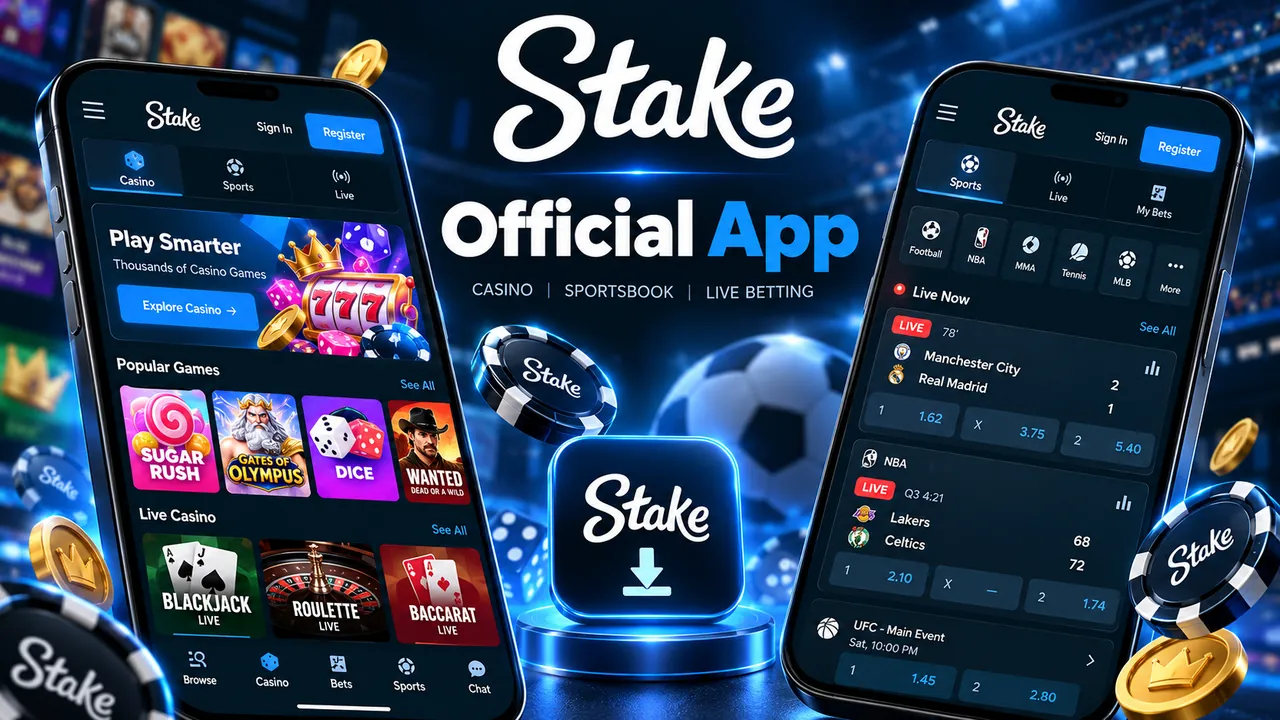
Why not a store app? Gambling apps face strict and shifting store policies by country, which is why Stake has leaned on the web version. The home-screen install gives you the same convenience without depending on a store listing.
Casino and sportsbook features on a small screen
C Mobile casino
- Originals in portrait: Crash, Dice, Plinko, Keno, Mines and Limbo are laid out for one-handed play, with bet controls above the game area.
- Slots: most studios ship HTML5 builds that rotate to landscape; bonus-buy and turbo options carry over.
- Live dealer: video streams adapt to your connection, and the betting grid overlays the table.
- Search and favourites: the magnifier and heart icons keep your go-to games one tap away.
- Provably fair tools: seed rotation and verification are accessible from the game menu on mobile.
S Mobile sportsbook
- Live betting: in-play odds refresh in place, and the bet slip slides up from the bottom of the screen.
- Cash out: partial and full cash-out are available on eligible bets from the My Bets tab.
- Bet builder: combine same-game selections on hockey, basketball and soccer.
- Odds format: switch between decimal, fractional and American from the settings menu.
- Notifications: the home-screen version can show in-app alerts for settled bets when enabled.
Keep the account locked down on a device you carry everywhere
A phone is the device most likely to be lost or borrowed, so a few settings matter more here than on a desktop.
- Two-factor authentication: enable it under Settings → Security with an authenticator app. Stake requires 2FA for some withdrawal and security actions.
- Session management: review and sign out active sessions from the security page if you log in on a shared device.
- Biometric unlock: use your phone's own Face ID or fingerprint lock; Stake does not store biometrics itself.
- Email verification and KYC: verify your email early and complete identity checks before you need a large withdrawal, so nothing stalls on the go.
- Phishing: only ever log in at stake.com or through the home-screen icon you created yourself. Stake support never asks for your password or 2FA code.
Email, Google, Facebook, Line, Twitch
Stake supports social sign-in alongside the standard email and password form. Whichever you choose, add 2FA afterwards.
Light on bandwidth
Originals are a few hundred kilobytes; slots and live streams use more. On mobile data, lower the live-dealer video quality from the stream's settings cog.
Access varies
Stake applies location rules on mobile exactly as on desktop. Players in Ontario and other restricted regions cannot register or play, and VPN use breaches the terms.
Phone and tablet questions
Not on Google Play. The official Android route is the mobile website, optionally installed to your home screen from Chrome. Be cautious with any APK file claiming to be Stake: it is not distributed by Stake and could be malicious.
An iOS app from Medium Rare N.V. has been listed in some regional App Stores. Listings change, so search the App Store yourself and check the publisher name before installing. If nothing appears, the Safari home-screen install provides the same experience.
Yes. The catalogue is identical; the lobby simply reflows into a single column. A handful of older slots may still load in landscape only.
Yes. The deposit screen shows a QR code and address for each coin, so you can scan it from a wallet app on the same phone or copy the address across. Confirm the network before sending.
The registration form is the same on every device, including the optional code field. Enter GETRAKEBACK there or later under Settings → Offers within 24 hours.
Set up once, play anywhere
Register from your phone, add the site to your home screen and enter GETRAKEBACK before the 24-hour window closes.